Themes
Themes change how Throughline looks. No theme touches your story data, so switching around costs you nothing.
The built-ins
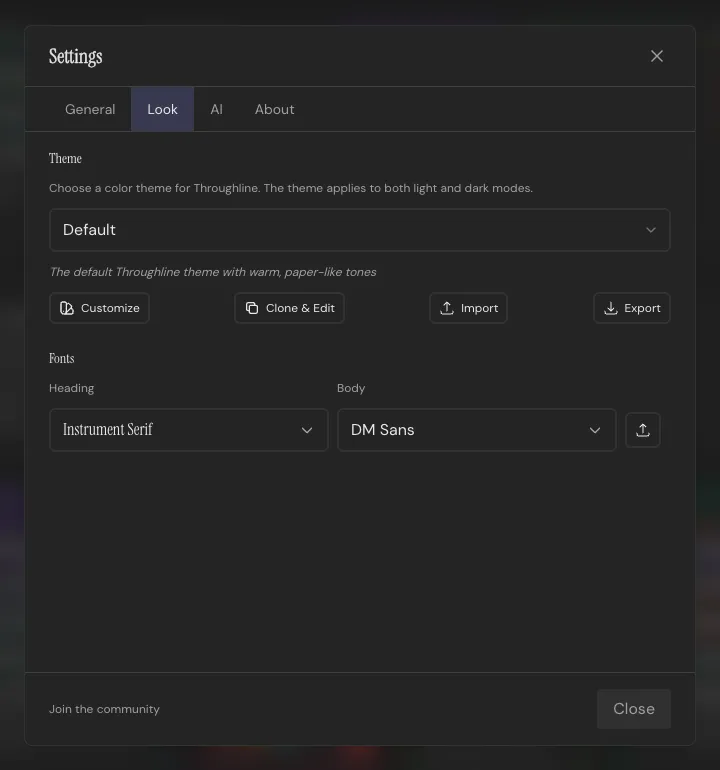
Section titled “The built-ins”Bay, Default, Grayscale, Medieval, and Pumpkin ship with the app. Switch between them in Settings → Look. A separate light/dark toggle in the top bar applies to whichever theme you’re on.
Making one your own
Section titled “Making one your own”Pick Customize on any theme to open a color-by-color editor: background, surface, accent, borders, all of it. Clone & Edit duplicates a theme as a new user theme first, so the built-in version stays intact underneath your changes.
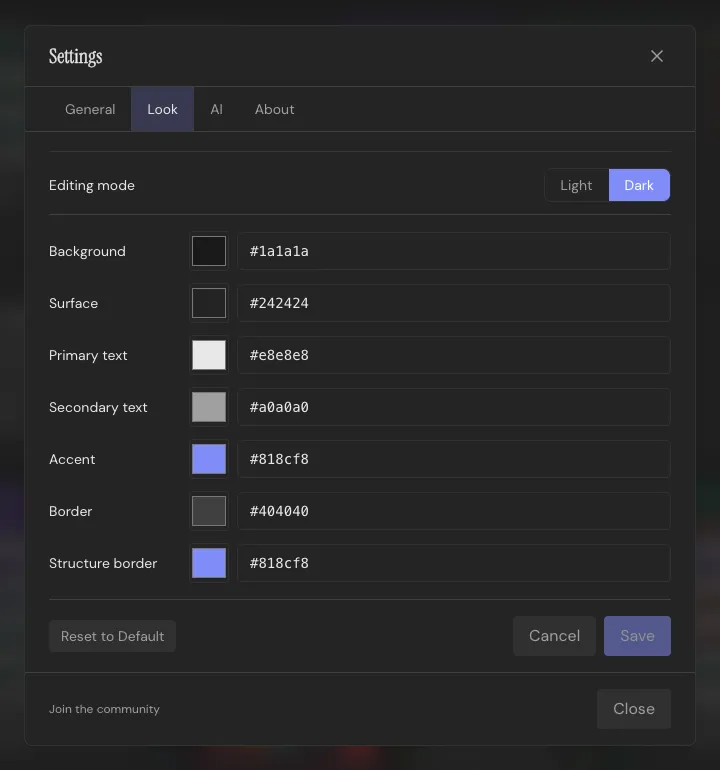
Themes export to a JSON file and import the same way. A theme missing a color or two still imports; Throughline fills the gaps from Default rather than refusing the file. Delete a custom theme and Throughline falls back to Default.
Heading and body fonts are separate pickers in the same panel, independent of theme. Import a custom font file (.ttf, .otf, .woff, .woff2) if you have one you’d rather write in.
Reset Theme & Fonts in Settings puts everything back to stock. Cosmetic only; your projects are untouched.