"Absolutely brilliant app [...] The UI/UX is clean and very user friendly."

Throughline is a story development and screenwriting app that works like a card game.
Available on macOS & Windows
One-time purchase. No subscription.
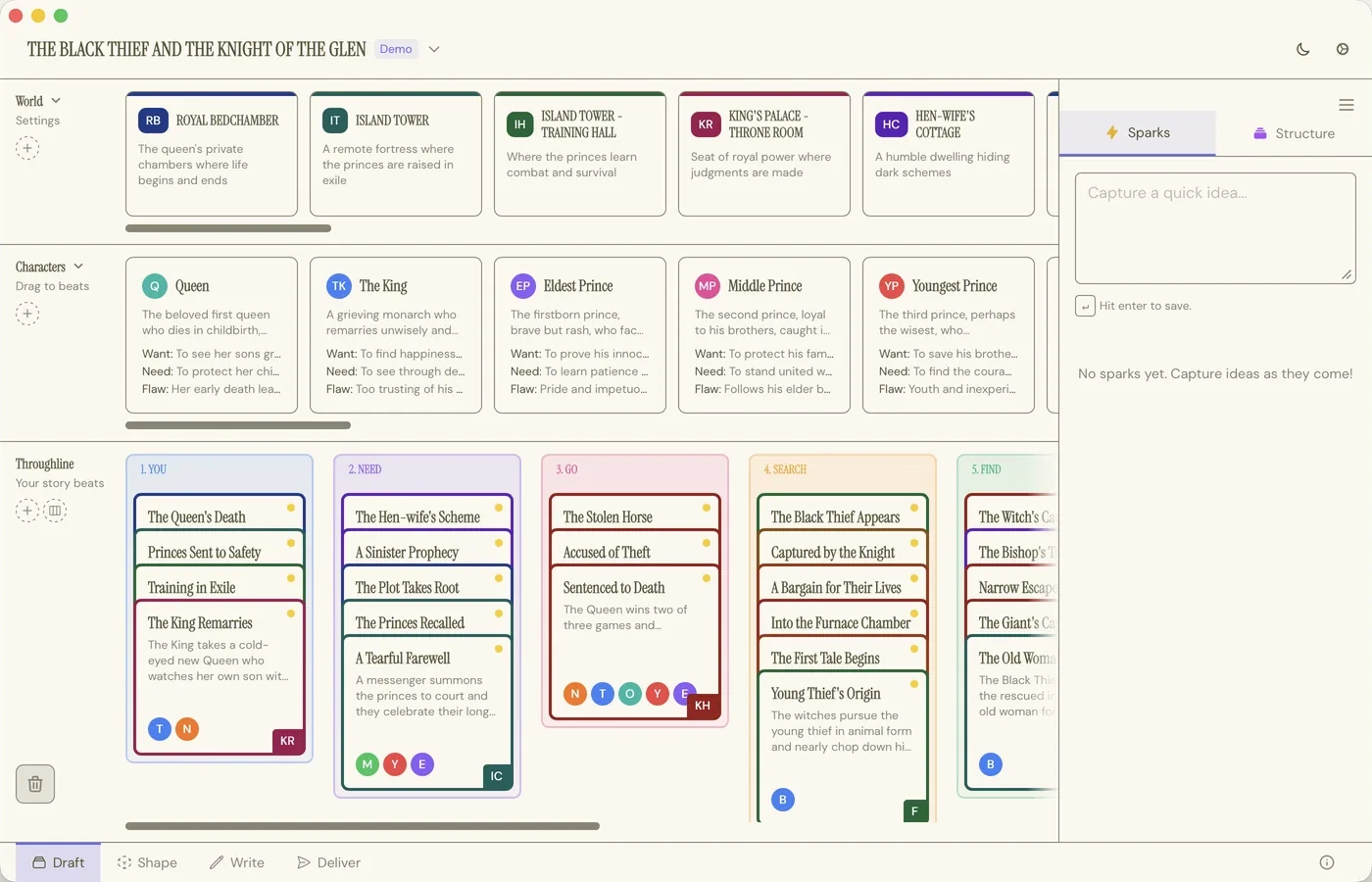
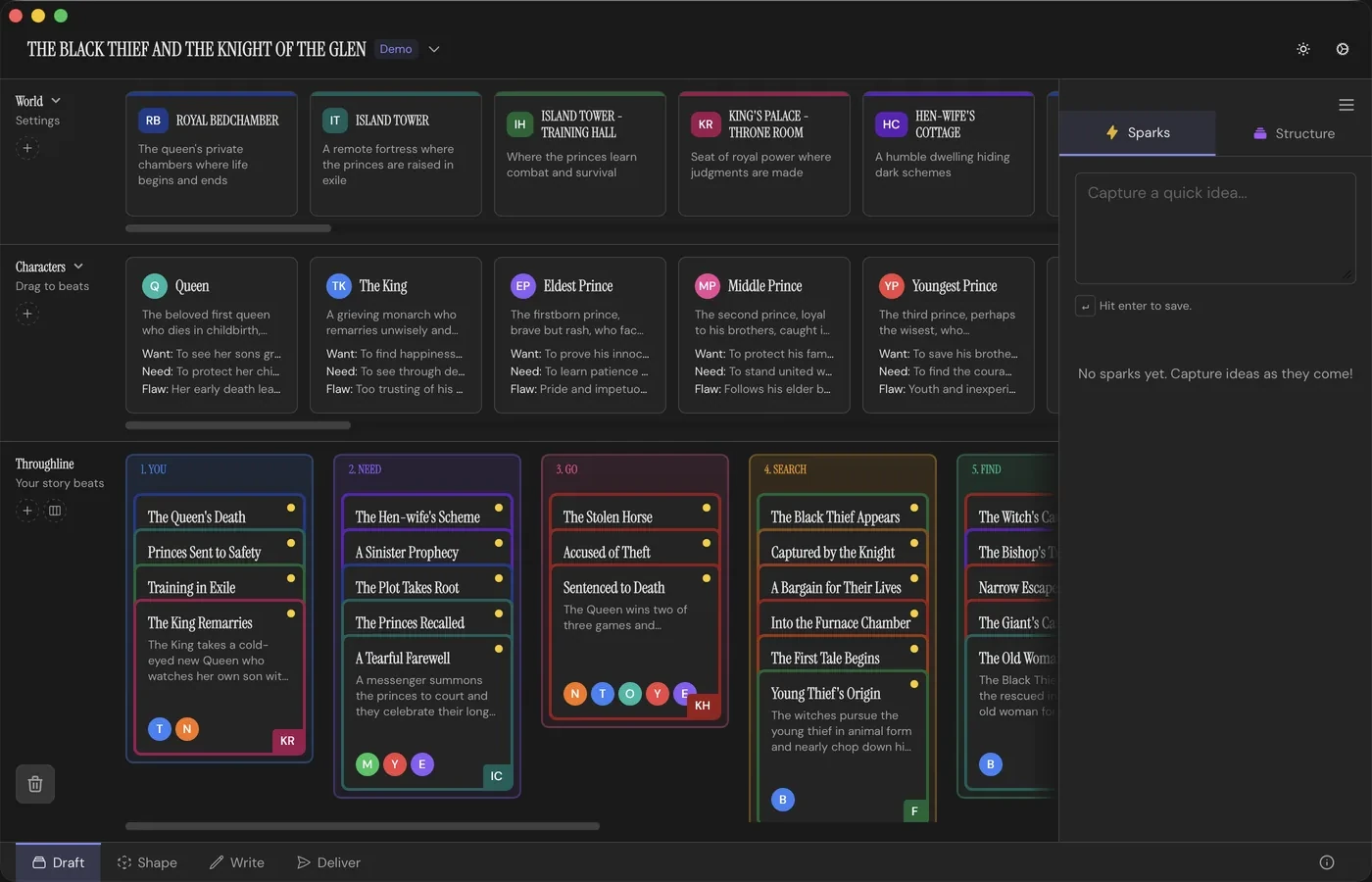
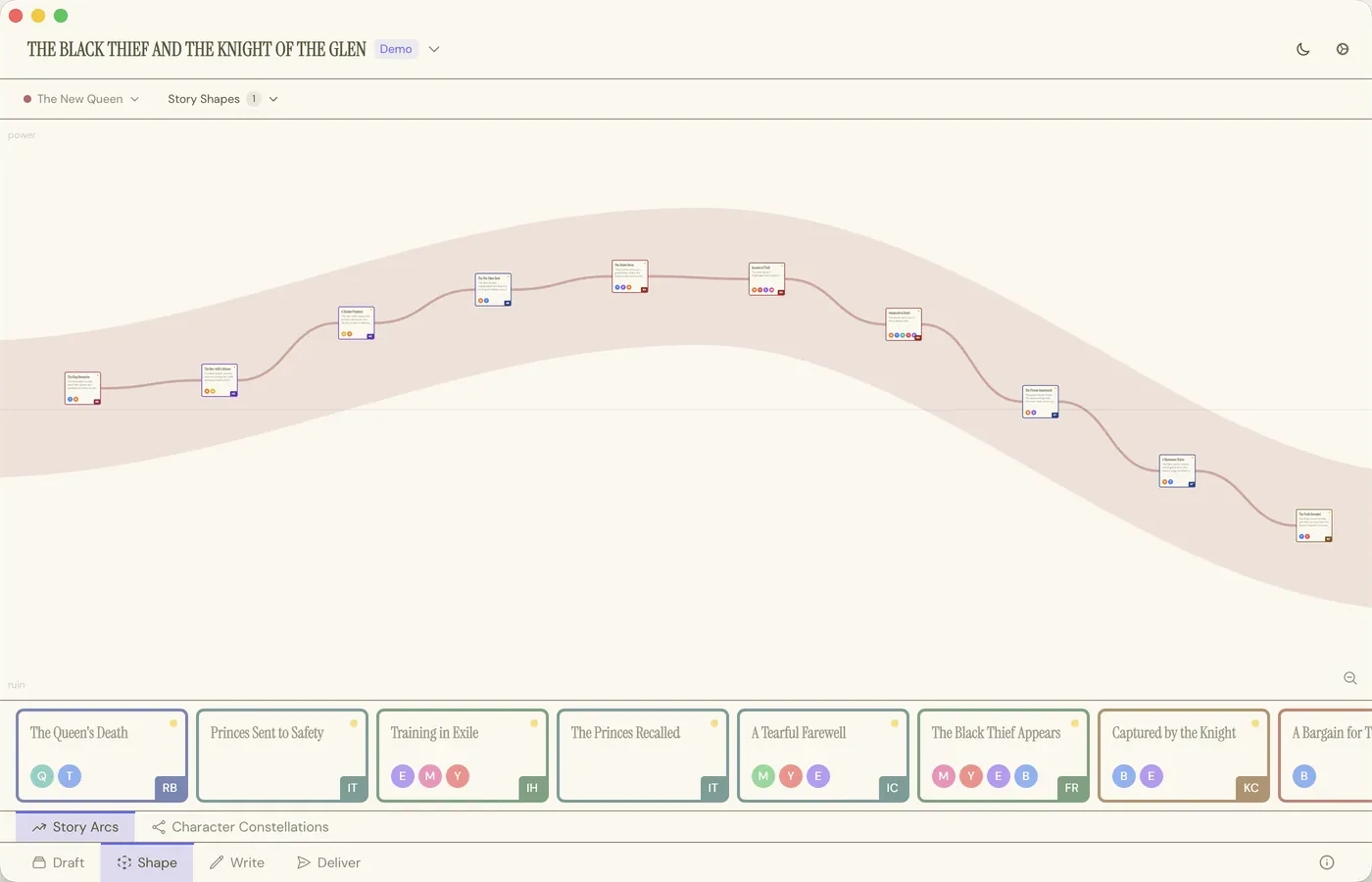
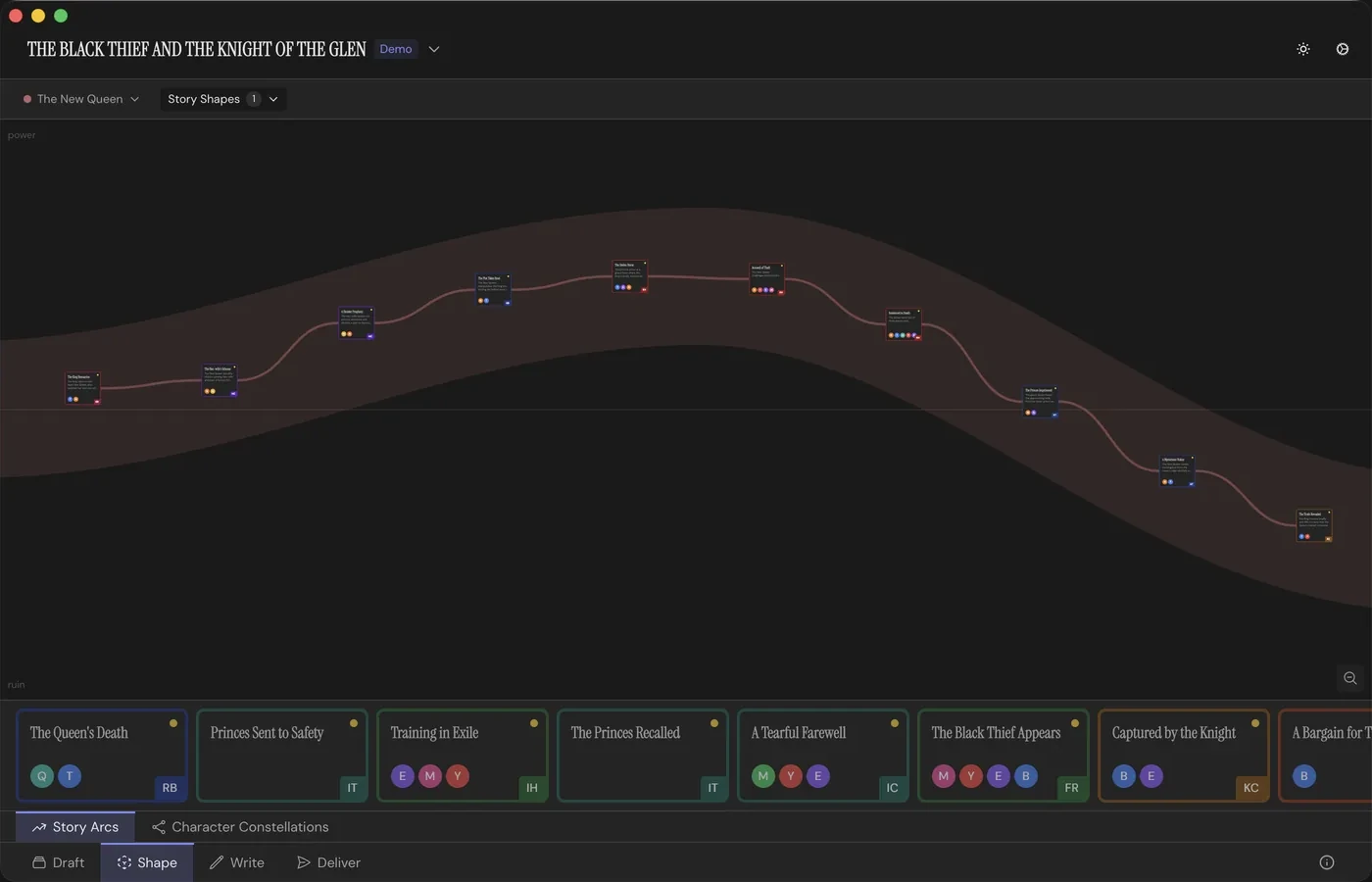
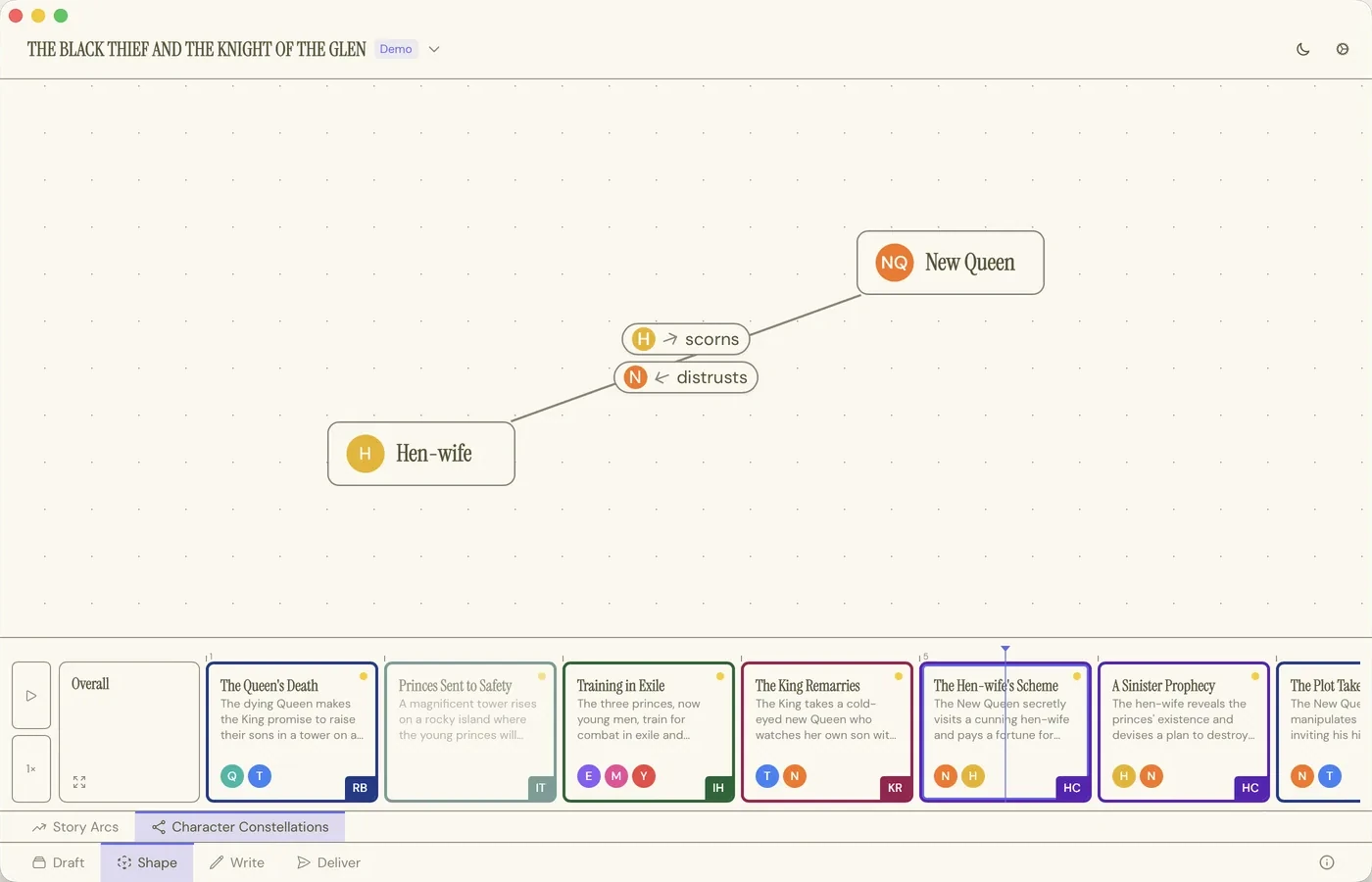
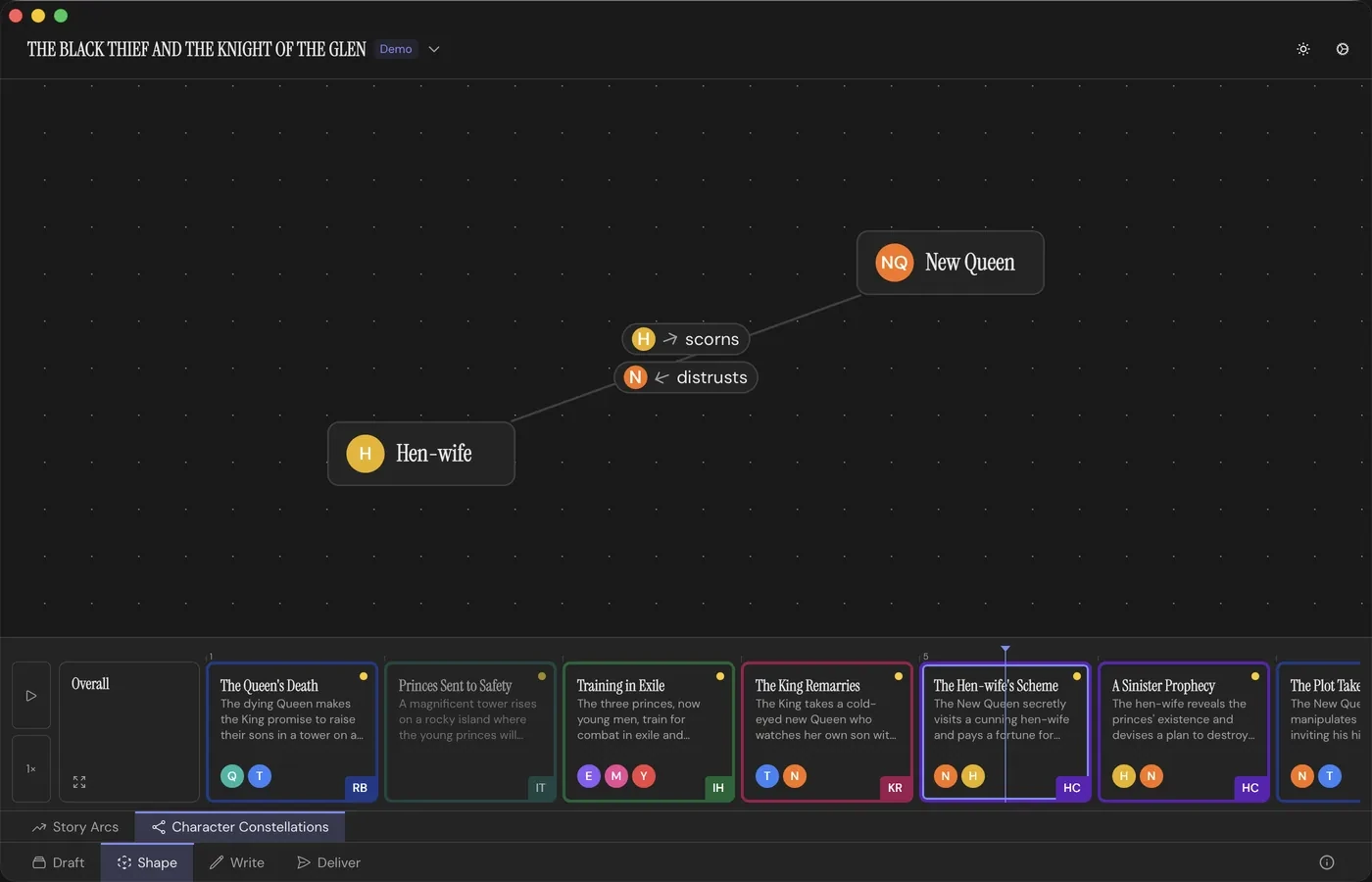
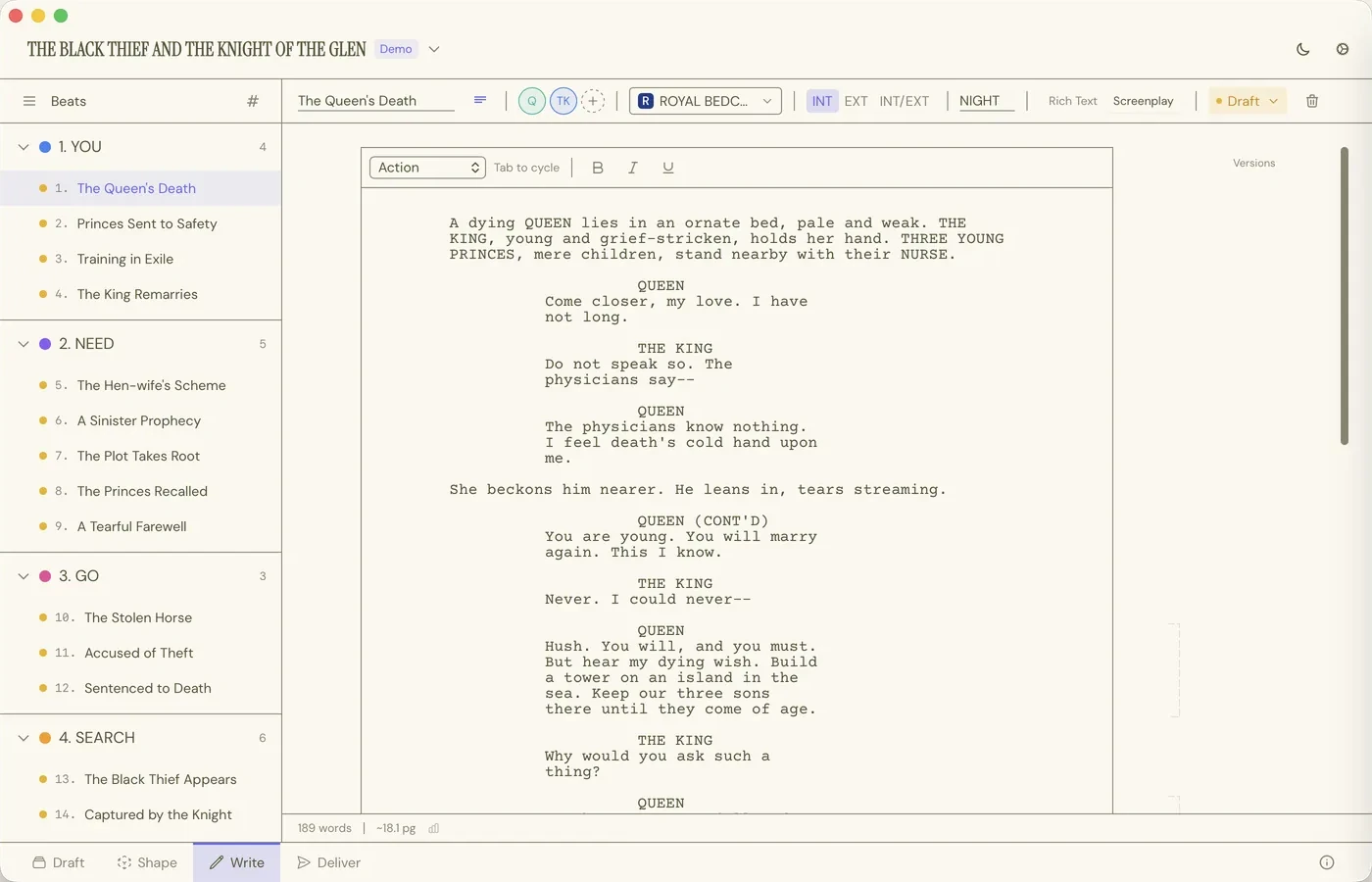
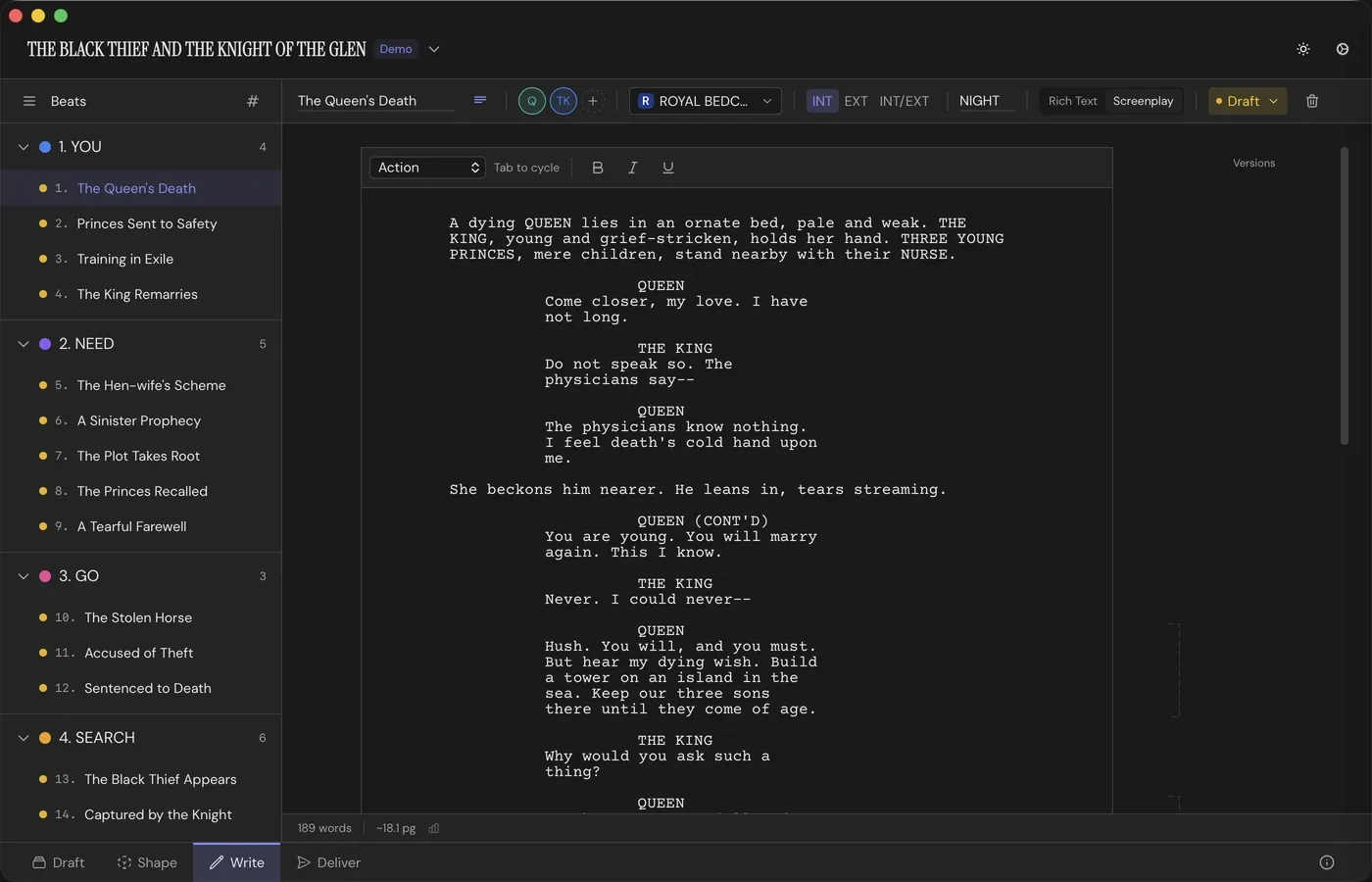
Most tools make you leave when the work changes shape. Throughline doesn't. Your story lives in one project, and you move between four Workspaces, with nothing to export, re-import, or keep in sync.
"Absolutely brilliant app [...] The UI/UX is clean and very user friendly."
"Throughline is a must-have for any screenwriter. It takes the mess of endless Post-its on a wall and makes it history. A brilliant way to bring your whole story into one place."

"Really useful tool for organizing screenwriting offline. Clean and simple, once you get how it works."

"This is a very refreshing take on story development software. Especially since all the screenwriting and story planning apps are getting a little old and slow by now. I'm having a lot of fun designing my story in Throughline."


Hi, I'm Albert. As the writer-director of animated series and bestselling audio dramas, I know the industry-standard writing software like the back of my hand. And, sorry to say, it sucks: we pay triple-digit prices for massive bugs and zero support, for what's essentially a slightly better text editor. So I built the tool I actually wanted: one that keeps me in the story instead of fighting the software. I hope it's useful to you, too!

One file. Your entire story: Beats, cast, Settings, Structure, Arcs and all.
Who your adventure happens to.
Where your adventure happens.
Every step of your adventure, neatly structured.
No lock-in. Export anytime.
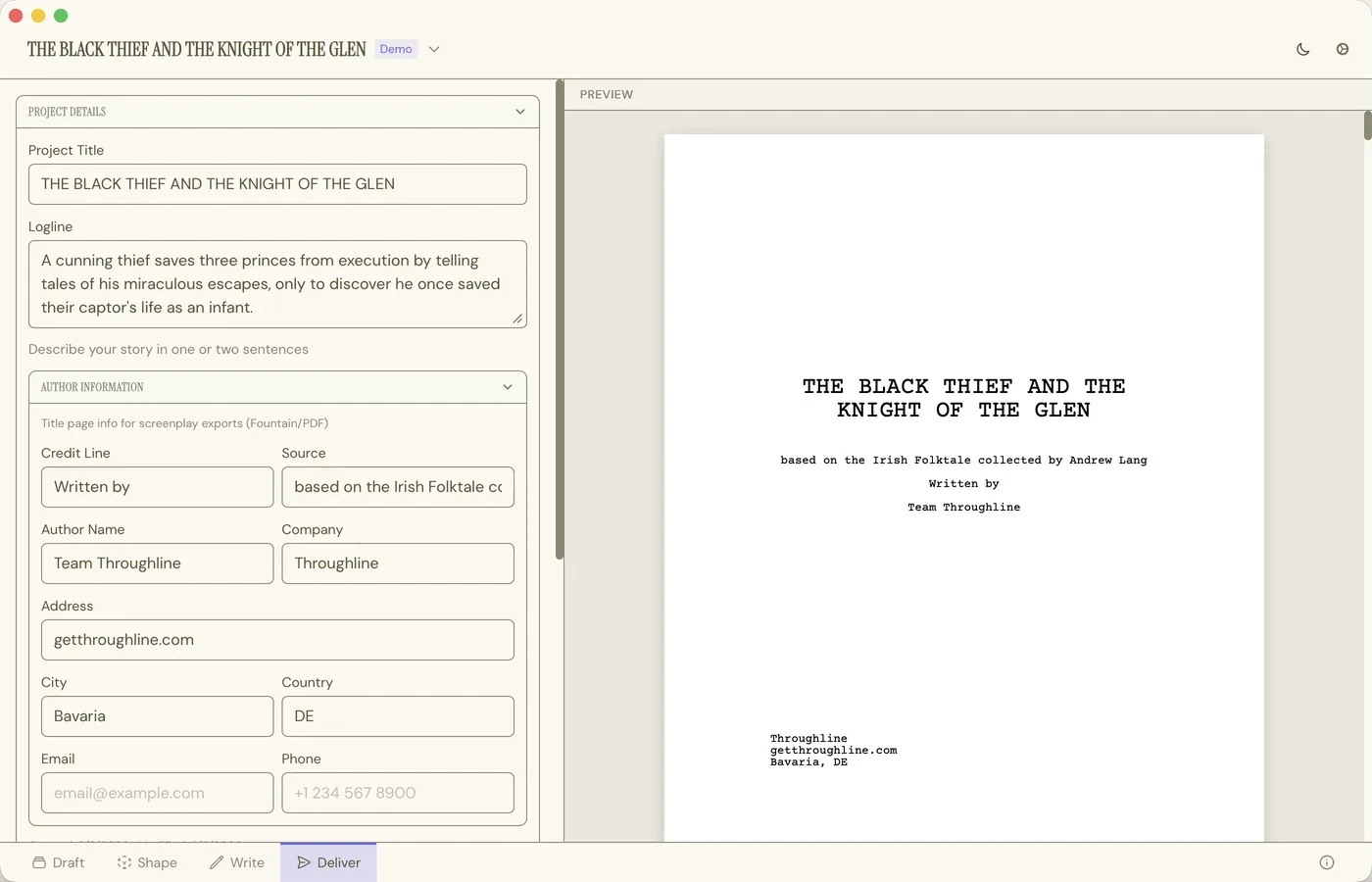
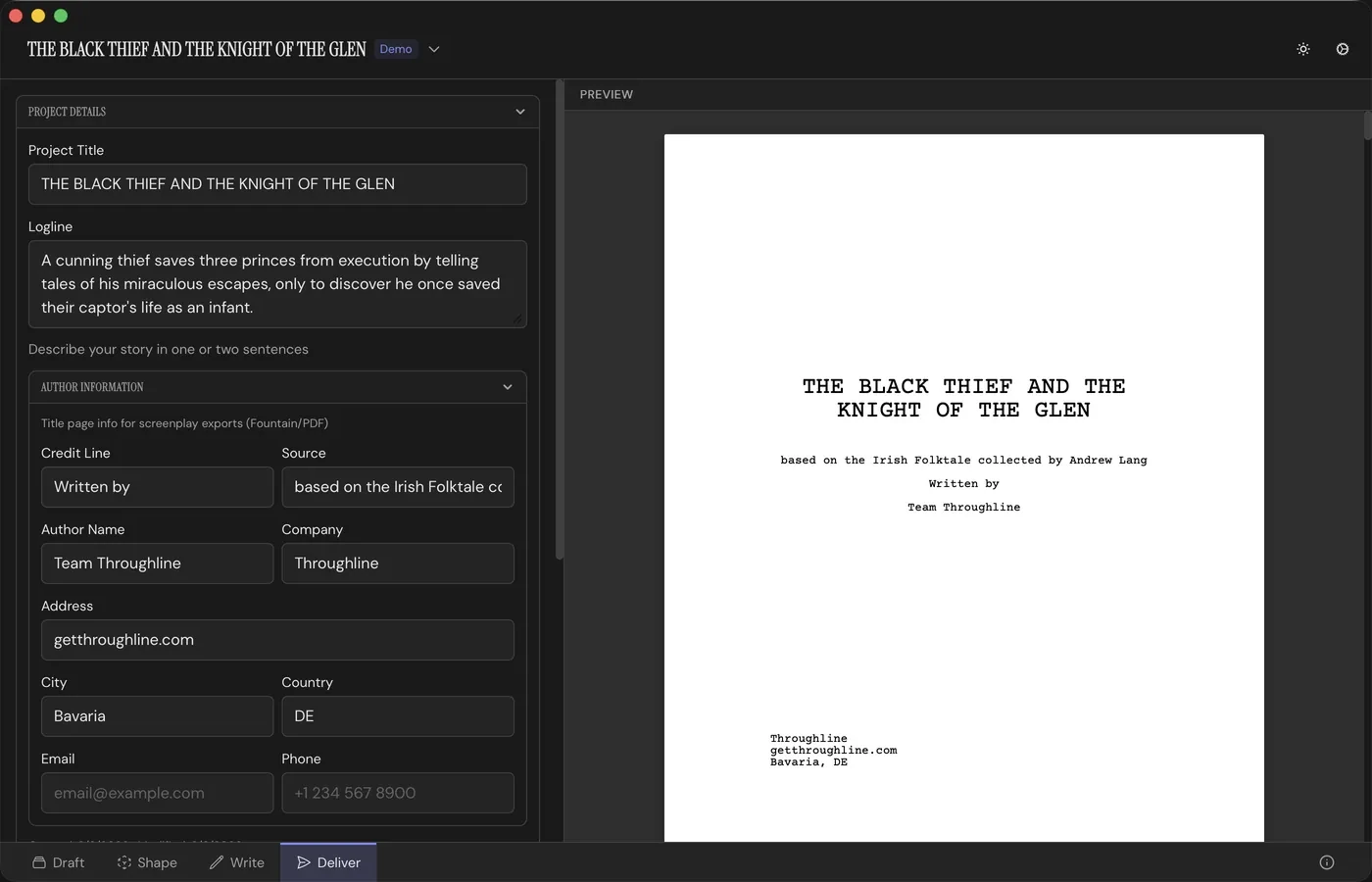
Throughline is a story development and screenwriting app that turns narrative structure into something you can see and move. Lay your story out as Beat Cards, cast Characters and Settings into them, shape each plotline's emotional Arc, write the draft in a full screenplay or prose editor, and deliver an industry-standard screenplay or a formatted document. Planning, writing and delivery all happen in the same app, so you never move your story somewhere else to finish it. Available on macOS and Windows.
Your story's spine is a row of Beat Cards, each one a span of time in your story. Above them sit your Characters and your Settings, and you drag those onto a Beat to cast it. Deal a Structure Card onto the board and stack your own Beats underneath it to fulfil that part of the template. A Beat Card can hold the actual text of your story, or just notes if you write elsewhere. Throughline is what you make it.
Both, and neither exclusively. The Cards, Structures, Arcs and Characters work the same whatever you're writing. The editor adapts to what you need: flip a document between prose and screenplay and the formatting follows live, in the same file. Screenwriters get industry-standard pages; novelists, game and comics writers, documentary makers and TV writers get clean prose. Same app, different doors out. Throughline was created by a writer of screenplays, radio dramas and children's books. It can handle it all!
Yes. Throughline includes a full screenplay editor, and the formatting is live as you type rather than applied later at export. Tab cycles between action, character and dialogue. Scene headings are built from INT/EXT, a location and a time of day. Character and location names autocomplete from what is already in your project, and (MORE) and (CONT'D) are handled for you. You can keep two versions of a scene and compare them side by side. When you're finished, Deliver produces an industry-standard screenplay PDF you can send out without reformatting, or Fountain for any other screenwriting app. Dual dialogue is a toolbar toggle away, and two speeches set side by side carry through Fountain and into the PDF.
For import, Throughline reads Fountain, Plain Text, Final Draft, PDF, and Throughline (.thrl). Because screenplays are structured, Throughline can automatically extract Characters, Settings, and dialogue. For documents, you can export Markdown, PDF, Plain Text, and Word. For screenplays, PDF and Fountain, plus .thrl project files to share with other Throughline users.
Anything with a narrative structure: feature films, TV episodes, limited series, novels, novellas, short stories, stage plays, or video game scripts. If your story has Characters, Settings, and Beats that unfold over time, Throughline will help you structure it. While there's no built-in season/episode grouping yet, you can suggest features like that in the Throughline Discord Community.
No. Throughline has the most popular story structures and beat sheet templates built in (15 Beats, Hero's Journey, Story Circle, and Three-Act Structure), so you can just drag and drop, and learn storytelling as you go. You can also build your own custom structures or import templates from third parties.
All three are good at what they do. Final Draft is the industry default for formatting and production, Arc Studio is built around cloud collaboration, and Scrivener is the strongest tool for organising long-form prose, and each of them can format a script. What none of them shows you is the shape of your story: whether the middle sags, how each plotline's emotional Arc actually runs, or how your cast's relationships change from one Beat to the next. Throughline gives you that development layer and a full screenplay editor to write in, so planning and writing are the same app rather than two. See the comparison page for a fuller, feature-by-feature breakdown.
Read the full comparisonStart with a pile of cards. Finish with a screenplay you can send out.
Get ThroughlineOne-time purchase. No subscription.